In Windows Explorer, how to find files with a ‘tilde‘-character in their name
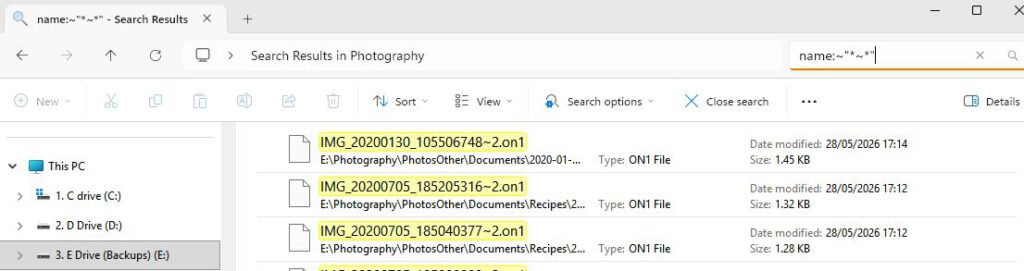
Enter this in the Windows Explorer search box (top right): name:~"*~*"
(Note that the quotation marks ensure that characters that have special meaning to search are interpreted literally and the first tilde means that wildcards are allowed (like the * and the ?))
Example: